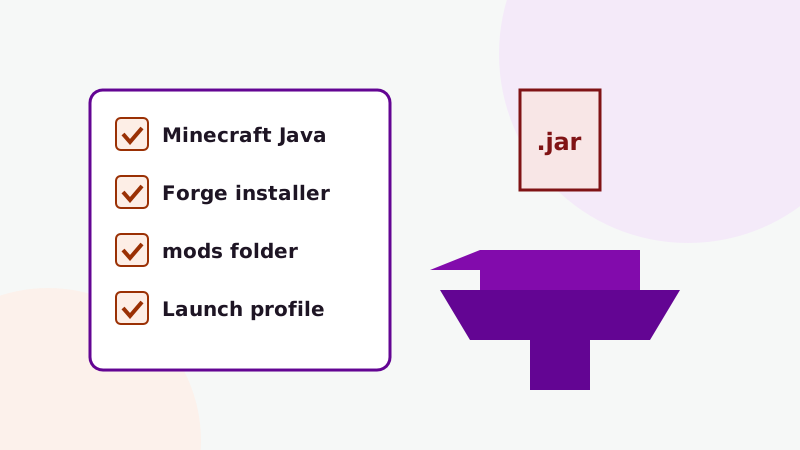
The button in our download section fetches a ZIP of the project's GitHub repository. That ZIP is source code: the Java files, assets and build scripts a developer works with. Minecraft cannot load it as-is. This guide explains how to turn it into a jar you can drop into your mods folder.
Source archive or compiled jar?
A compiled mod is a single .jar file that Forge loads at startup. A source archive contains everything needed to produce that jar. GitHub creates these ZIPs automatically from a branch, and the link on this site points at the master branch of a repository named for Minecraft 1.19.2.
That has two consequences. First, you need to build it before playing. Second, because the link follows the branch, its contents can change whenever the repository is updated, and it does not carry a fixed version number. If you just want to play, a compiled release for your exact Minecraft version is the quicker route, as described in the installation guide.
What you need installed
- A Java Development Kit (JDK). Minecraft 1.19.2 projects are built with Java 17. A JRE (runtime only) is not enough; you need the full JDK.
- An internet connection for the first build. Gradle downloads Forge, mappings and dependencies, which can take a while.
- Some free disk space. Gradle's cache grows to a few gigabytes for Minecraft projects.
You do not need an IDE to build the jar. You only need one if you want to edit the code.
Build steps
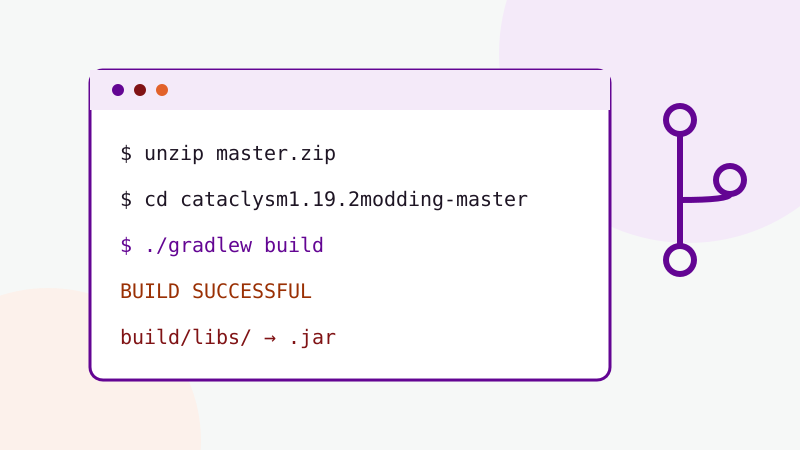
- Download the archive from the download section and extract it. You get a folder such as
cataclysm1.19.2modding-master. - Open a terminal in that folder (the one containing
gradlewandbuild.gradle). - Check your Java version with
java -version. It should report 17. - Run the build:
- Windows:
gradlew.bat build - macOS / Linux:
./gradlew build(runchmod +x gradlewfirst if it says permission denied)
- Windows:
- Wait for BUILD SUCCESSFUL. The finished jar appears in
build/libs.
If build/libs contains more than one jar, use the main one. Files ending in -sources or -javadoc are for developers and will not load as a mod.
When the build fails
"Unsupported class file major version" or similar Java errors
Gradle is running on the wrong Java version. Point JAVA_HOME at a JDK 17 install and try again.
Dependency download errors
The first build needs to reach several Maven repositories. Retry on a stable connection, and check that a firewall or proxy is not blocking Gradle.
Compilation errors in the mod's code
A branch snapshot is not always in a buildable state. If errors come from the mod's own source files, the repository may be mid-change. In that case a compiled release is the practical choice.
After building
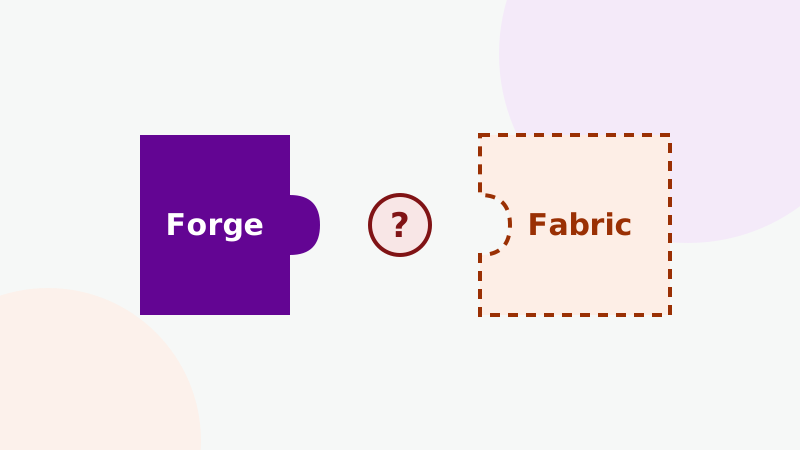
Copy the jar into the mods folder of a Forge 1.19.2 profile, add any library mods the project lists, and launch. If the game refuses to start, the crash fixes guide walks through reading the log. And if you were hoping to use the build on Fabric, read the Fabric compatibility article before you try.
Want the bigger picture? Return to the Cataclysm Mod homepage or browse every guide.